Getting Started
This document serves as a guide on integrating DiceSMS Gateway in your application. Follow these steps to get started:
Prerequisites
- Valid email address for account registration
- Basic understanding of REST APIs
- Development environment setup
Base URL
All API endpoints in this documentation use https://dicesms.asia as the base URL.
| Example Endpoint | Full URL |
|---|---|
POST /api/sms-with-token/ |
https://dicesms.asia/api/sms-with-token/ |
GET /api/batch-ids |
https://dicesms.asia/api/batch-ids |
GET /api/sms-report/{batch_id}/ |
https://dicesms.asia/api/sms-report/{batch_id}/ |
GET /api/transaction/report/ |
https://dicesms.asia/api/transaction/report/ |
Account Setup
Step 1: Sign Up on DiceSMS
Visit DiceSMS Registration and create your account.
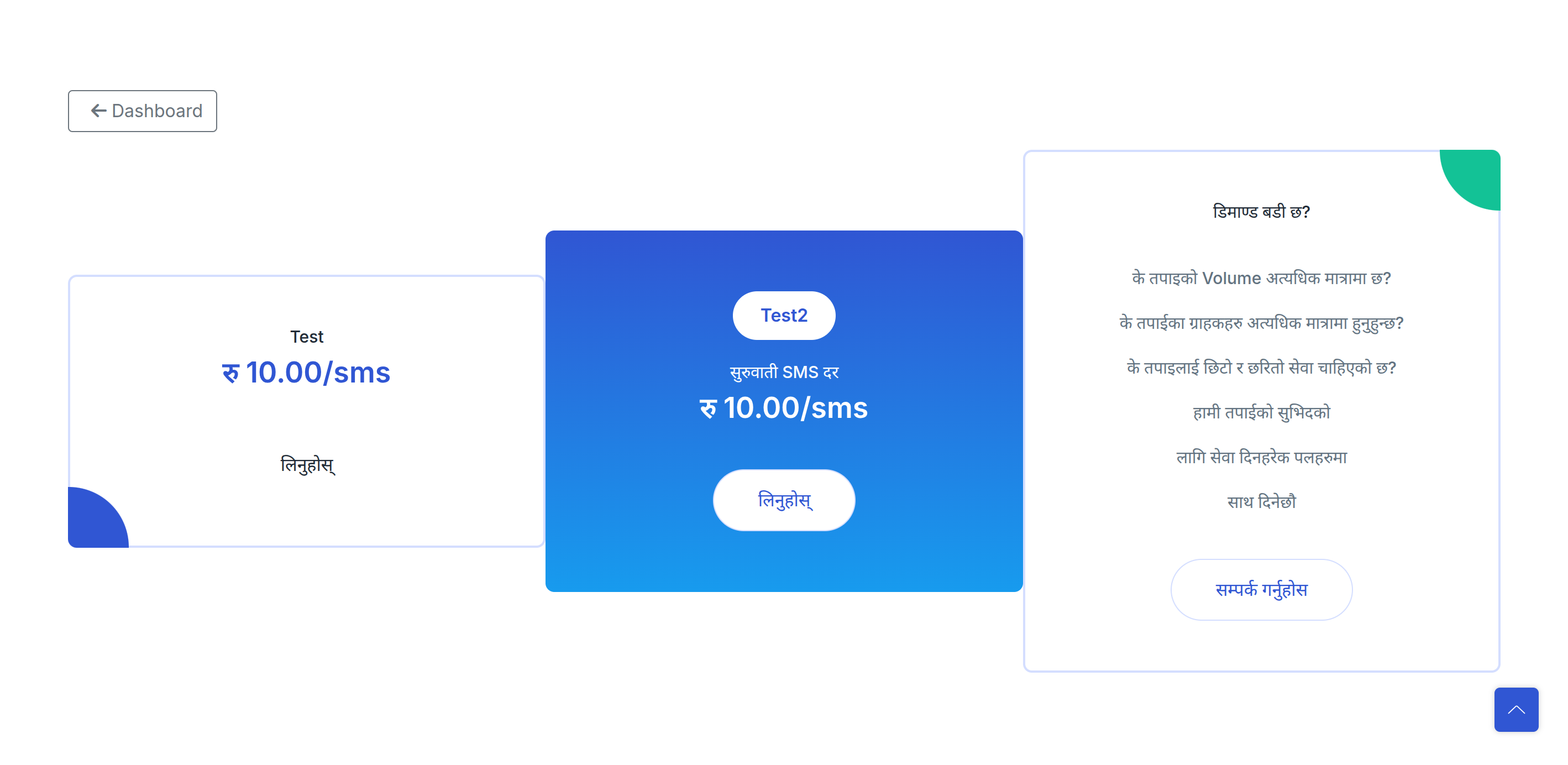
Step 2: Choose SMS Package
Select an SMS package that fits your usage requirements from the available options.
Step 3: Generate API Token
-
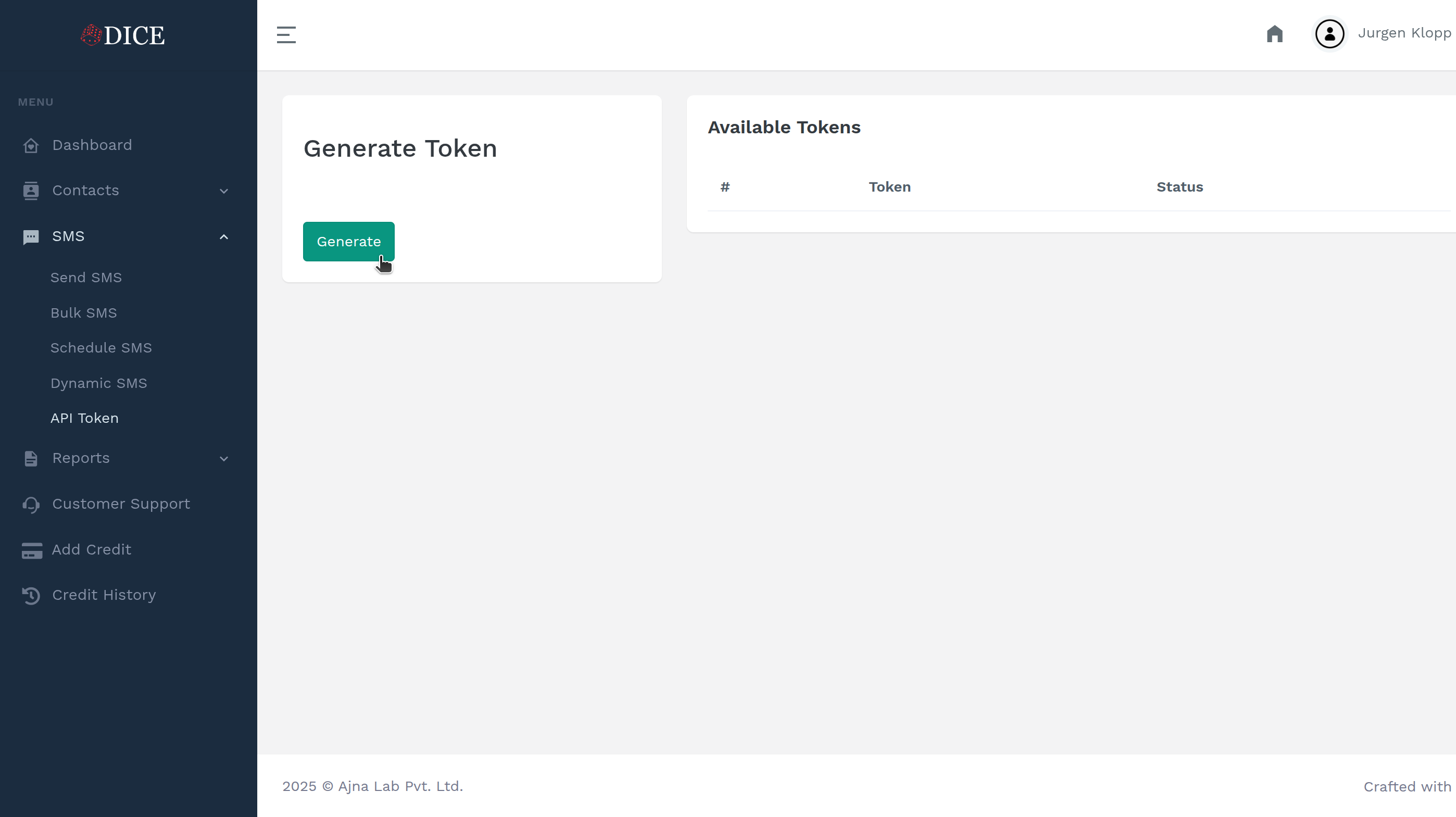
Navigate to API Token Generation
-
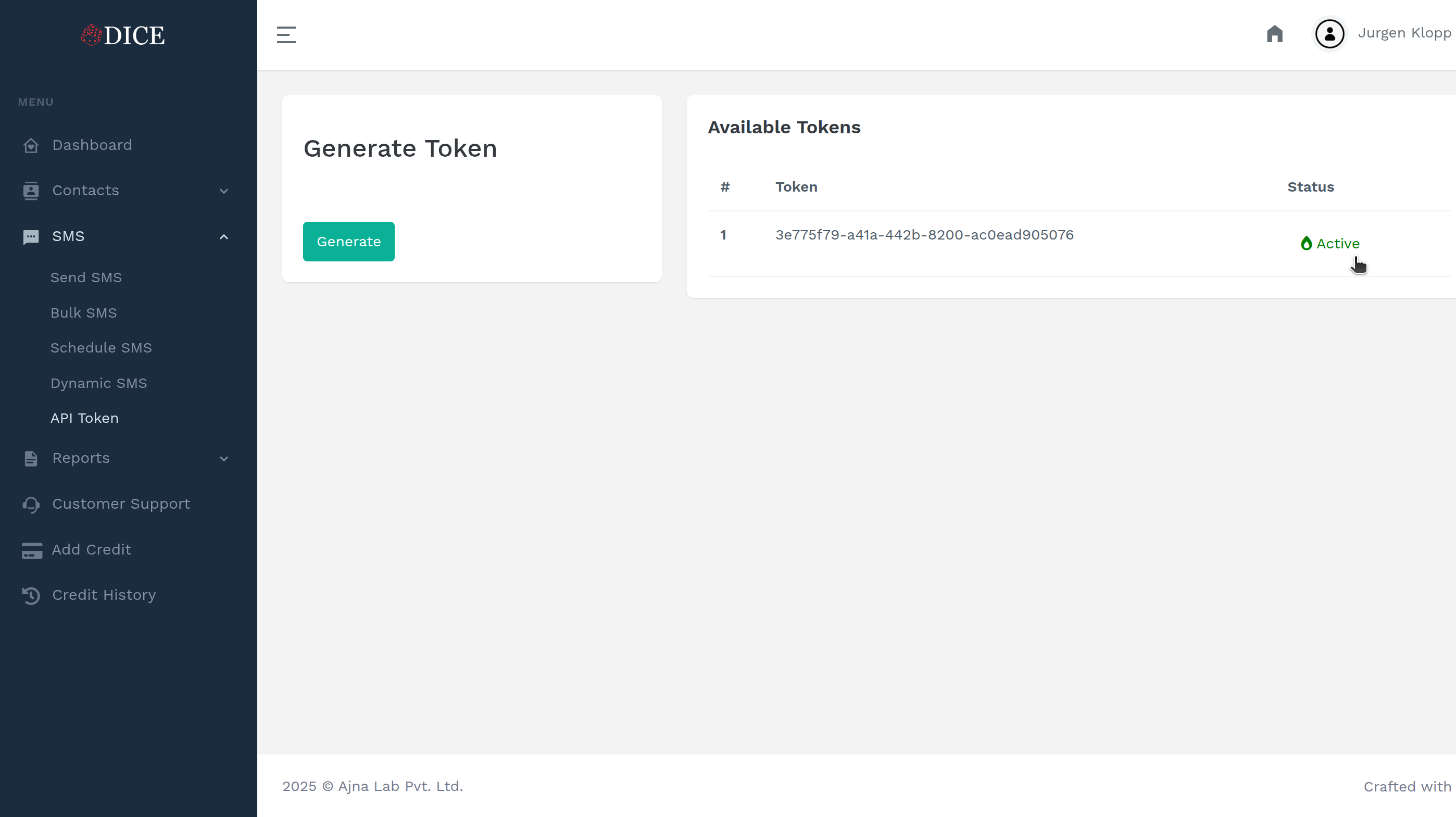
You can quickly generate a unique API token with only a single click. Easy peasy!
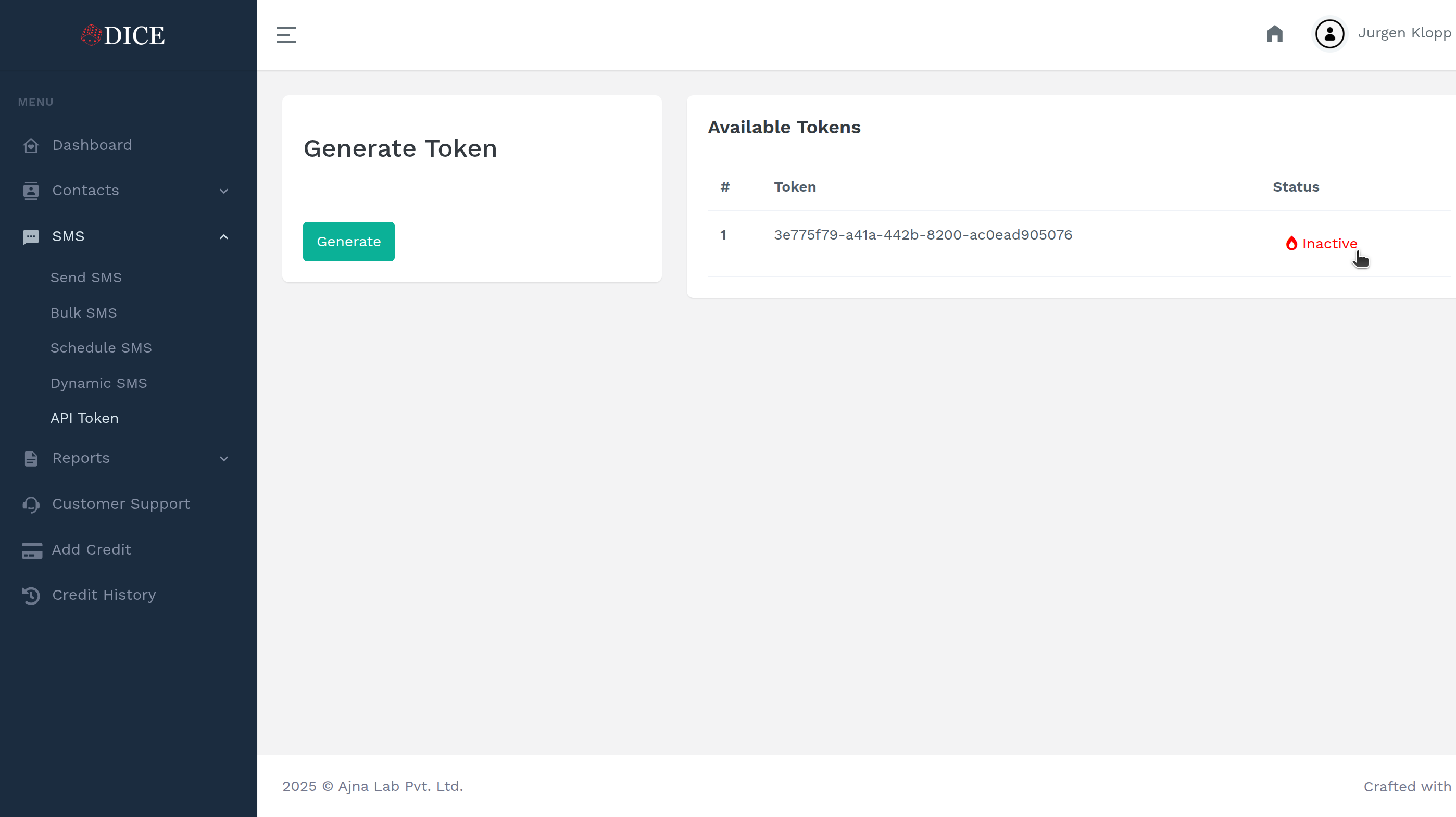
- Important: Please make sure to store this token securely.
Step 4: Activate API Token
Complete the activation process to enable API access.